
- Ideal for pools with a safety cover on, OR off OR never had a safety cover.
- Merlin cover, just need the serial number
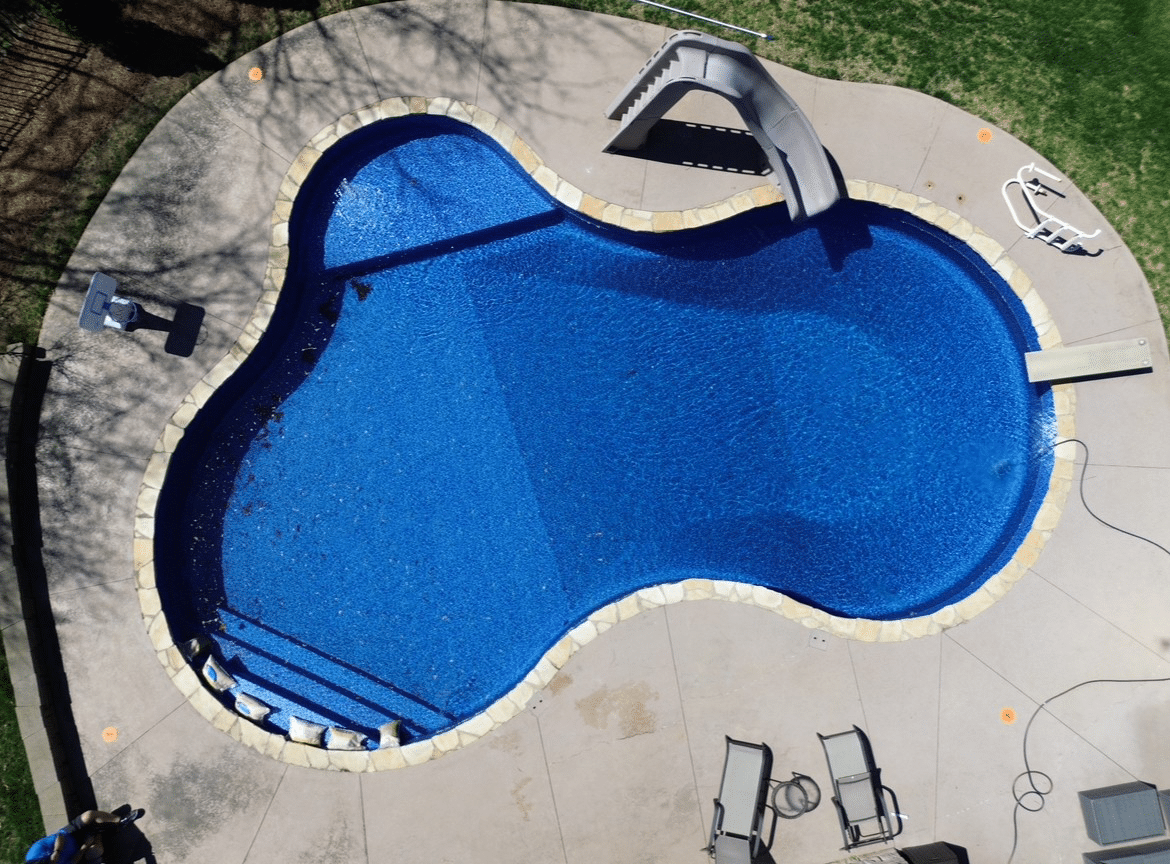
- Complete a Drone Magix measure in 10 to 15 minutes
- No need for lengthy AB measurements
Merlin Drone Magix Resources
Measure pools or existing covers in just 10–15 minutes—only six measurements. It’s fast, accurate, and easy. Dealers: Download flyers, manuals, videos, and more below to get started.
Instructional Video
Drone Magix Kits Flyer

Measuare right with the necessary tools available in the Drone Magix Kit
Drone Magix Slides
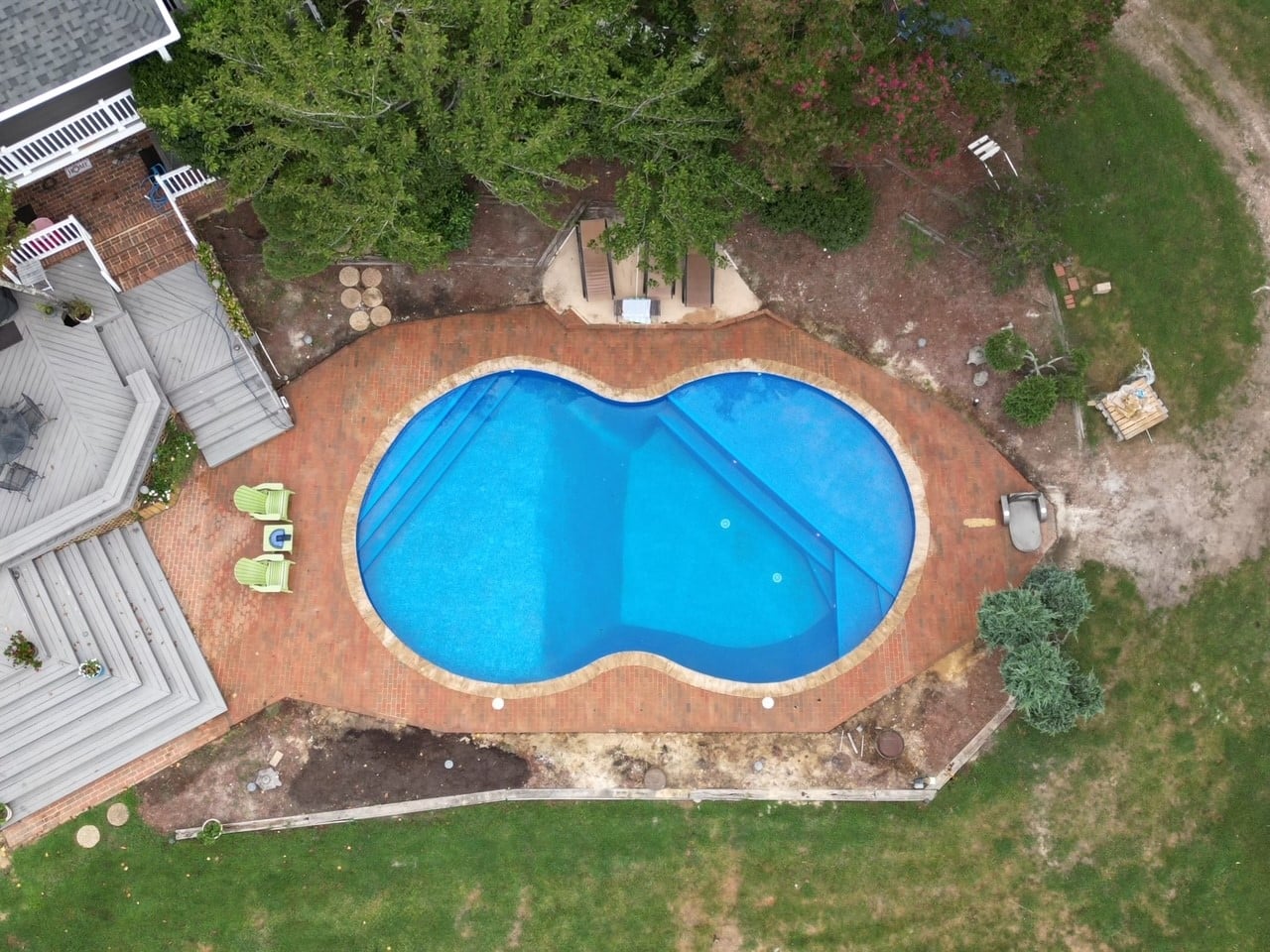
Drone Magix Detailed Slide Show
Measuring Form
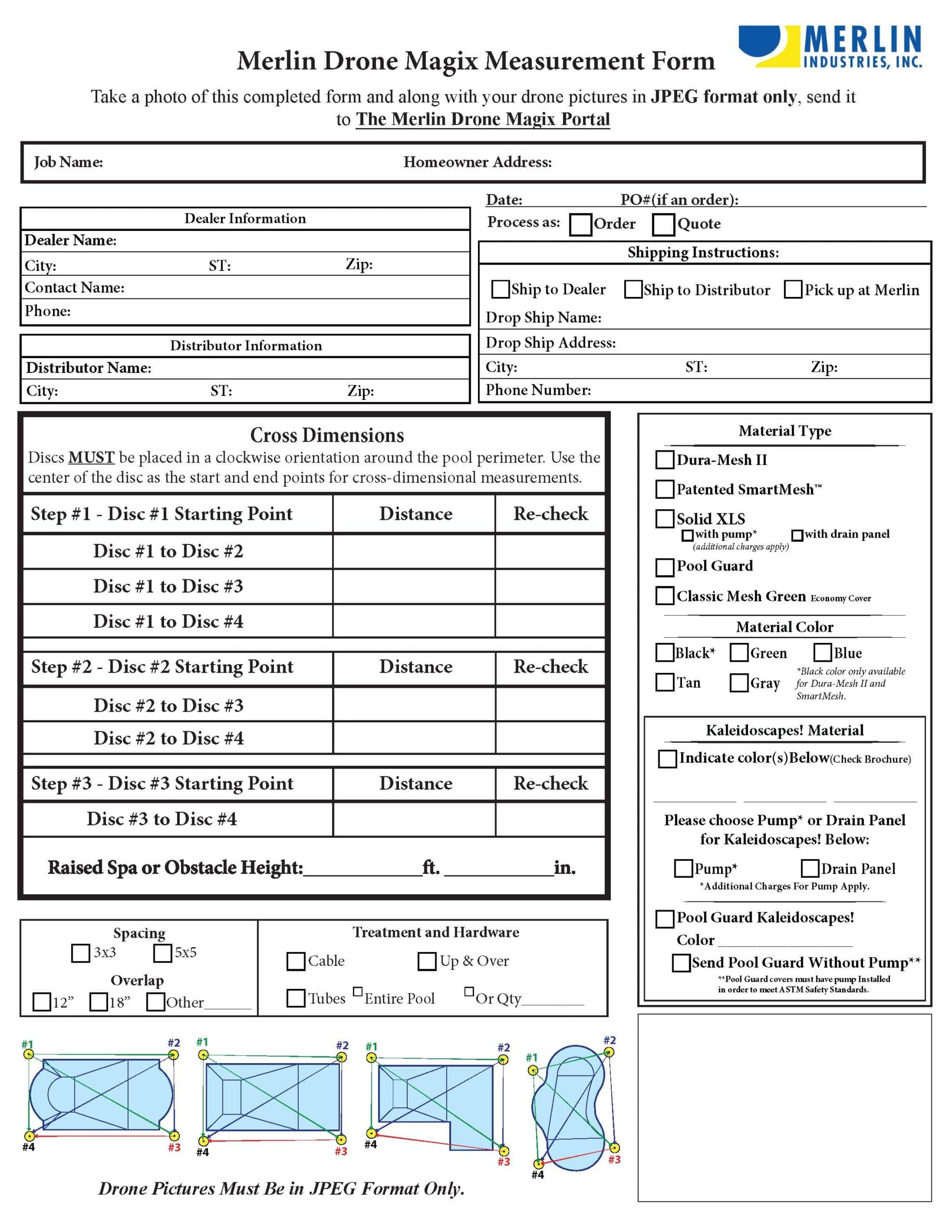
Drone Magix Measuring Form
Drone Magix Manual
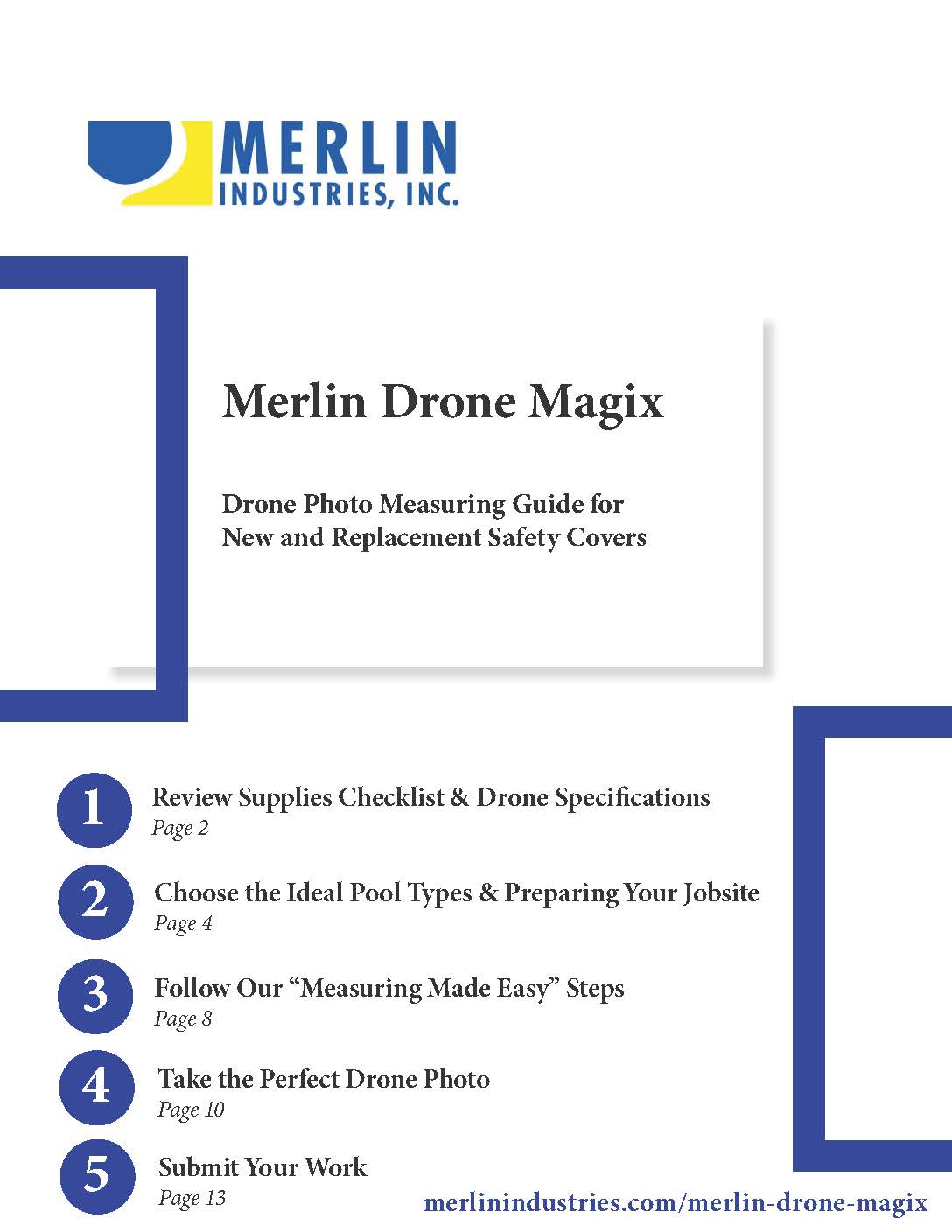
Drone photo measuring guide for new and replacement safety covers
Drone Magix Poster
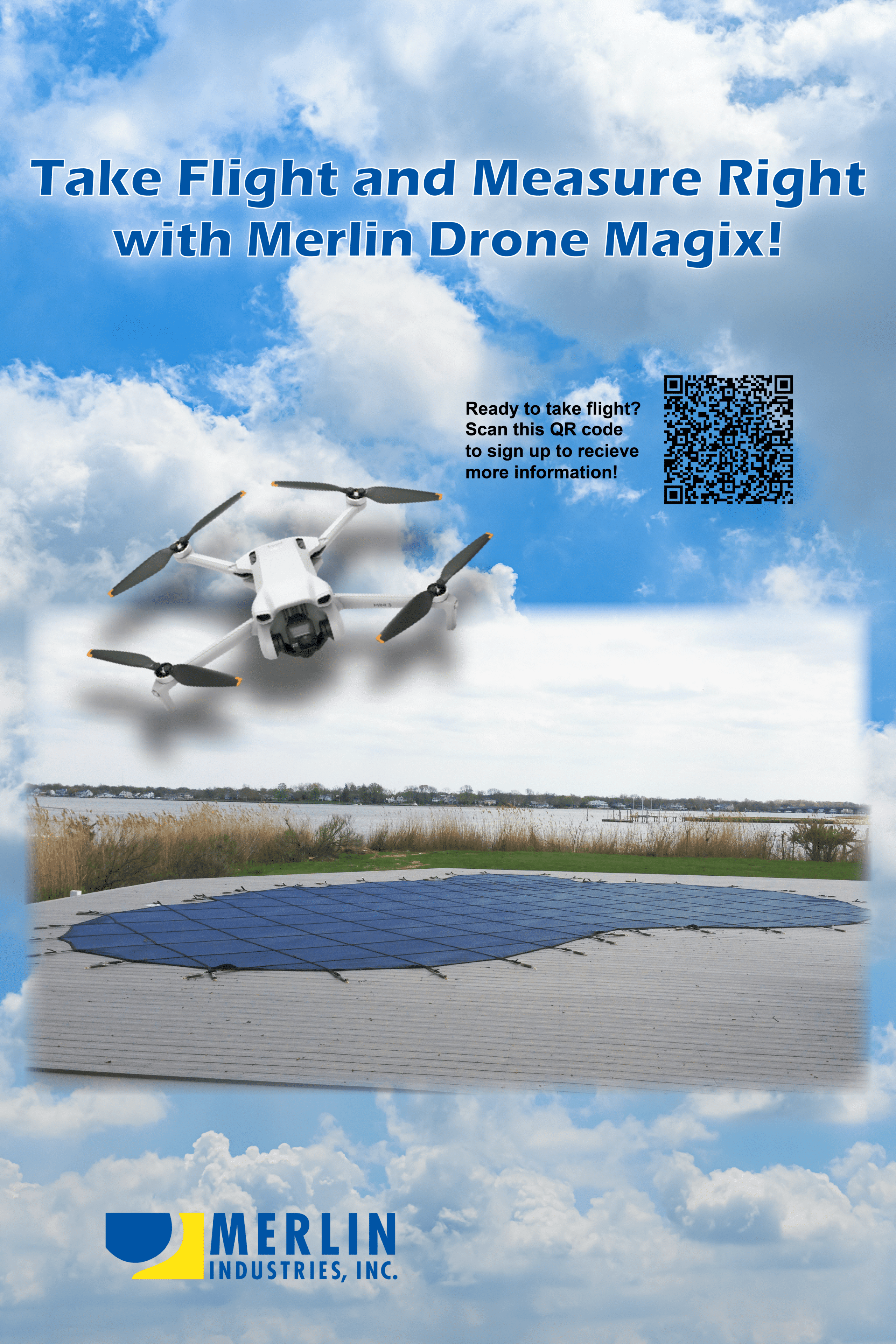
Large Drone Magix Poster
Frequently Asked Questions
A: Yes, Drone Magix can measure pools or existing covers in just 10–15 minutes. It’s ideal for pools with a safety cover on, off, or even if they’ve never had a safety cover. If it’s a Merlin cover, you just need the serial number.
A: The entire measuring process typically takes just 10–15 minutes. It’s a fast, accurate, and easy method that requires only six measurements.
A: Absolutely! Drone Magix is designed with beginners in mind. Even if you’ve never flown a drone before, the system is easy to learn and operate. The drone comes with simple controls and step-by-step guidance to help you capture the perfect measurement shot. Most users get comfortable within minutes, and the entire measuring process typically takes just 10–15 minutes. Plus, you don’t need to be a tech expert—if you can follow basic instructions, you can fly it. And if you ever need help, resources and support are available to make sure you’re set up for success.
A fast easy way to measure a pool cover – its Magix! Use the Drone Magix Portal to submit your orders
The portal can handle large jpg and jpeg photo files. Submissions through the portal go directly to Merlin’s order processing center.
It is the drone operator’s responsibility to understand Federal and Local regulations
pertaining to commercial drone use certifications.
It is the drone operator’s responsibility to review Federal and Local regulations pertaining to overall drone use in the area and all safety guidelines.
Rules & Regulations pertaining to drone use within the United States can be found on the Federal Aviation Administration (FAA) website
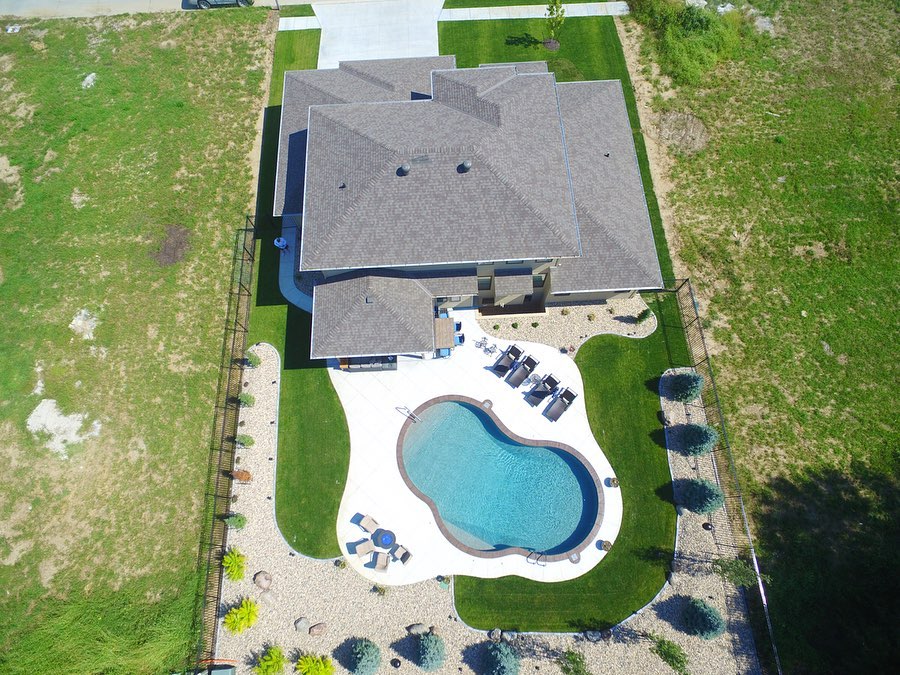
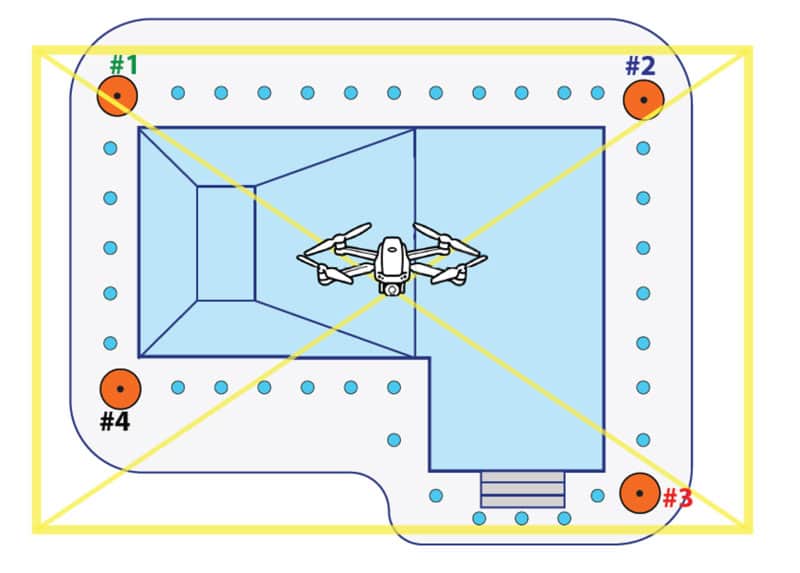
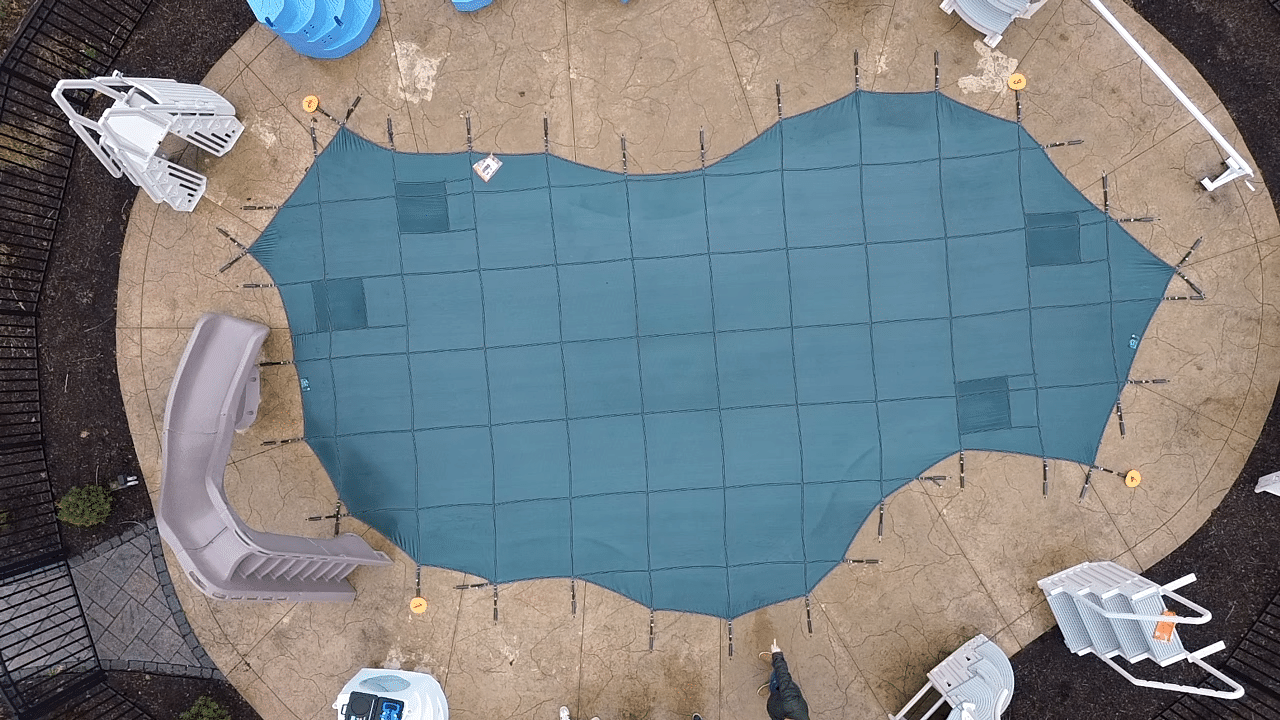
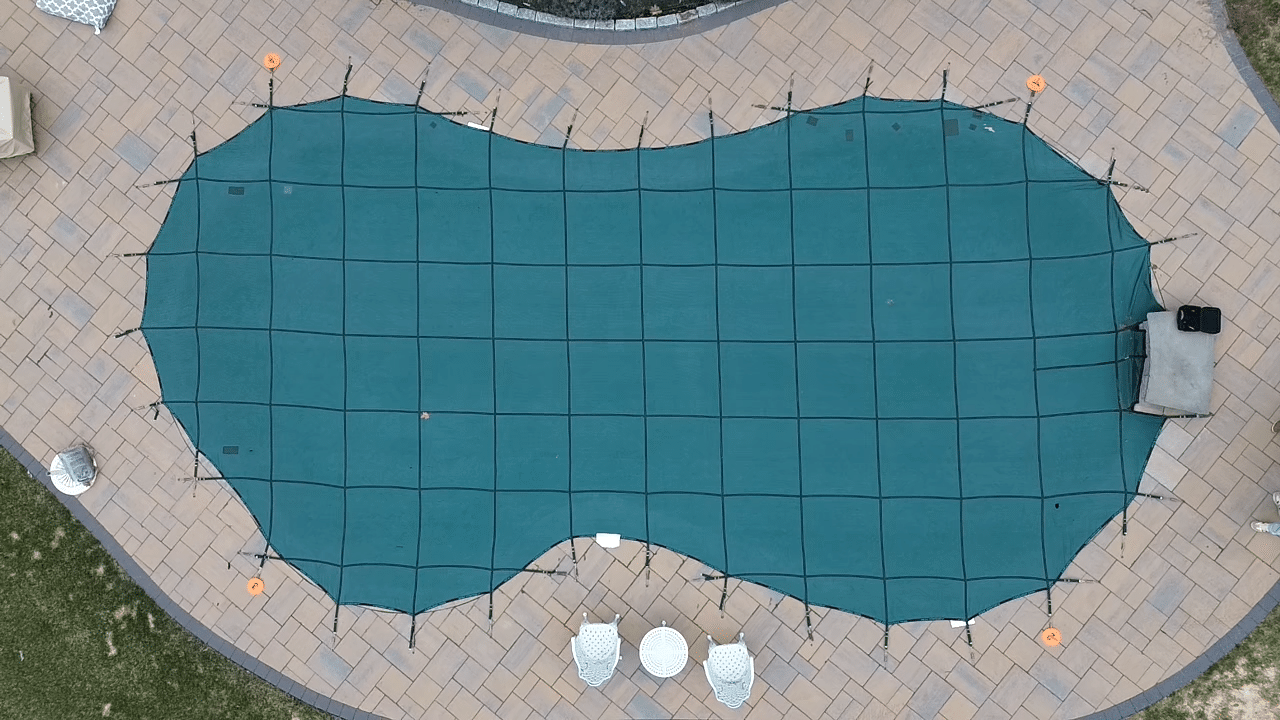
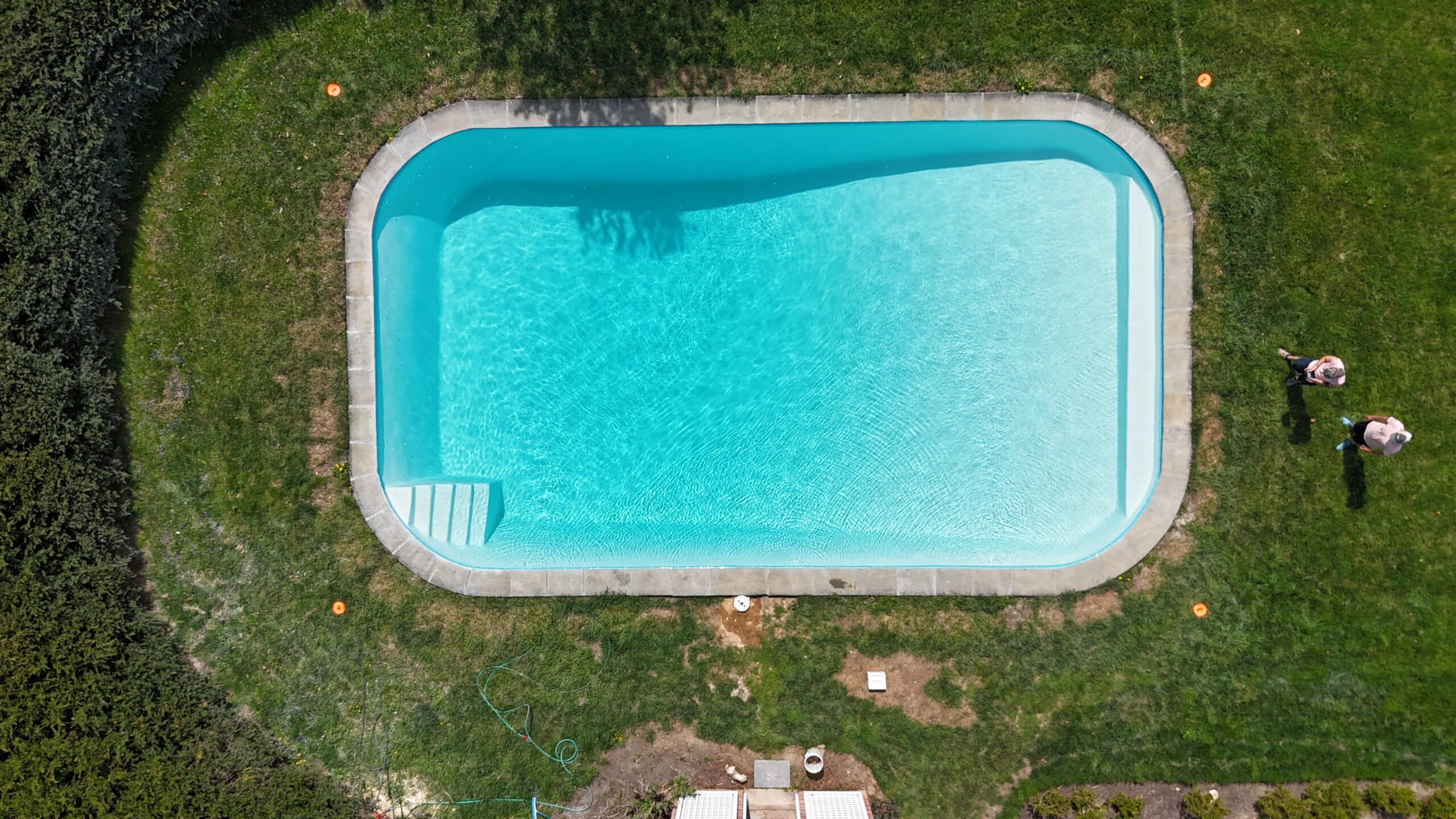
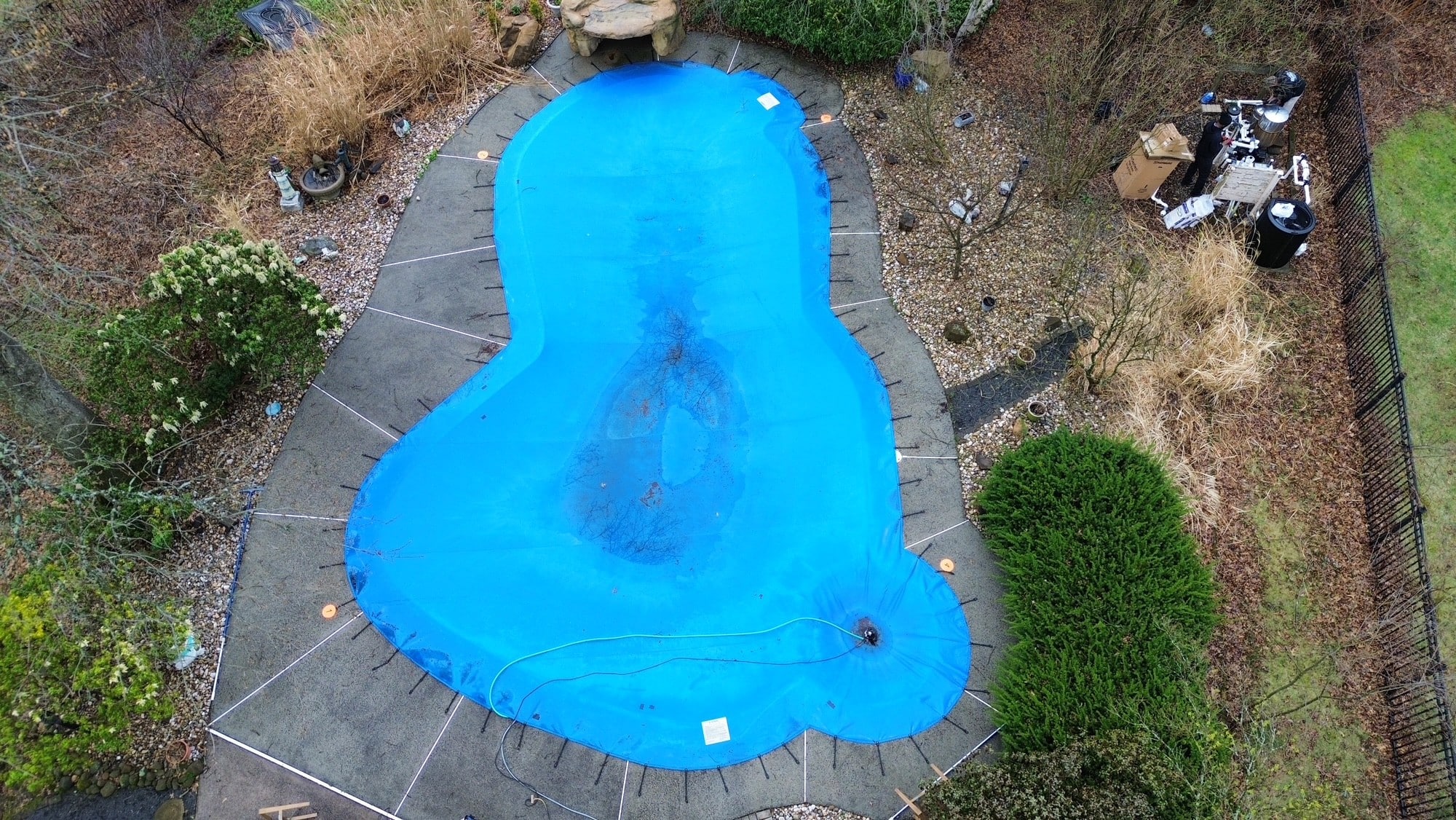
Keep the drone altitude at a minimum height so that the camera’s field of view captures all measurement discs, anchors and most of the pool deck.
Yes. Refer to the Drone Specifications Drone Operations & Regulations section of your Drone Magix User Manual.
Drone Magix requires:
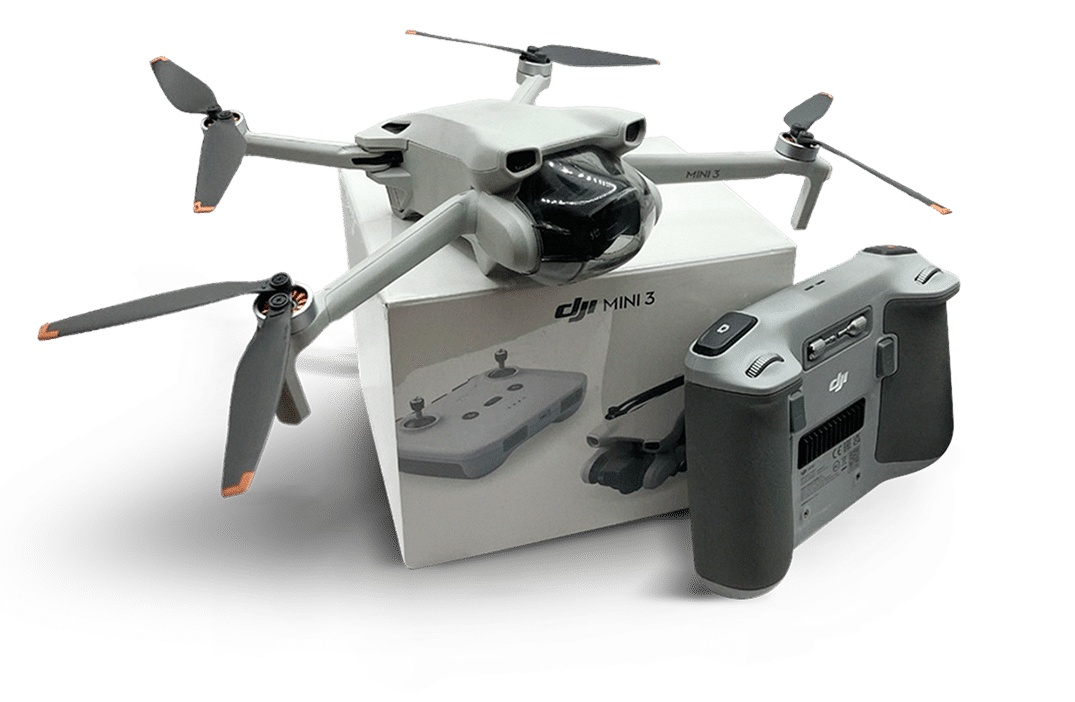
- Your drone/camera combo to be equivalent to or better than the Mini-3 by DJI.
- Your drone should have the following specifications:
- A resolution of 48MP or higher, with a capability to capture in 4K or better quality
- Ability to change camera settings (assists with managing sunlight variation)
- Gimbal with 90-degree setting/toggle (for vertical picture taking)
- Hovering capability
- Ability to download photos to your mobile device
It is important to note that Merlin Drone Magix is not suitable for ALL pool types.
For the best possible results, we encourage you to use this method only on the ideal pool types listed below (see page 4 of the User Manual).
Ideal Pool Types:
- Single plane deck
- Freeforms, rectangles
- Covered pools (remakes)
- Anchor matching
- New pools without anchors
- Basic raised spas
As the User’s Guide recommends, obstructions need to be clearly marked and scaled:
HOW TO HANDLE HIDDEN OBSTACLES:
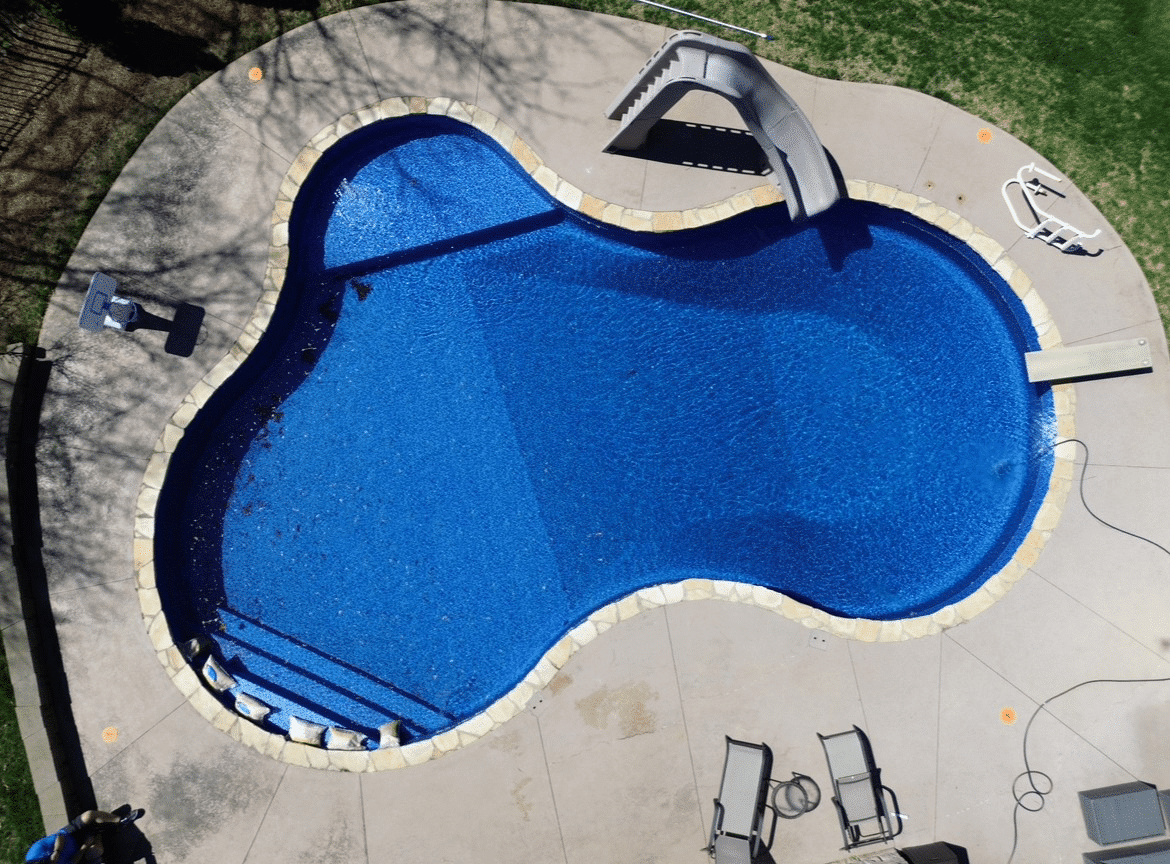
- Some features or obstacles on the pool deck such as a slide obscuring its support legs or blocks, may be hidden from the view of the drone when the drone phone is taken.
- The appropriate way to handle the obstacle is to place one end of the yardsticks (safety brightly-colored if possible) against four sides of the hidden feature so that most of the yard sticks will be visible in the drone photo. Place a small disc on the estimated center of the slide or diving board.
- The visible section of the yardsticks will be used to help determine the location and dimension of the hidden feature or obstacle.
- When a hidden obstruction such as a rail of slide foot is part of a pool feature, note the diameter or size of the obstruction in the notes section of the measurement form.

- Efficient: Just six measurements for a precise fit—fewer errors, more completed jobs.
- Easy to Use: Take one clear photo and follow simple, step-by-step instructions.
- Time & Cost Saving: No need to ship covers—measure with the existing one in place.

Join the Merlin Team!
Become a Merlin Dealer
Thinking about becoming a Merlin dealer?
You’re in the right place. Check out just a few of the powerful perks waiting for you below.
- Family-Owned Business for over 35 years
- Excellent Customer Service
- All North American-made vinyl
- Enormous collections of premium Vinyl Covers
- Sales Rep support throughout the country
- High Quality custom Innovative products including patented Smart mesh Covers & Aqua Max Vinyl Liners
- Offers technical training for dealers